



Why does audit execution slow certification bodies down?
Most certification bodies don’t lose time during the audit visit — they lose it in the weeks that follow. Chasing corrective actions and cleaning up disconnected files before review becomes one of the most expensive parts of the process, stalling the path from “audit done” to “file ready”.
What does well-run audit execution deliver?
Fieldwork and documentation stay aligned from the first minute: auditors capture evidence where it belongs, non-conformities move through a managed workflow instead of email, and files arrive at review complete and traceable. Reviewers validate rather than rebuild, and every file is defensible in front of your accreditation body.
How does Zertic audit execution work?
Zertic carries an audit from fieldwork to review in one continuous workflow, so nothing is re-keyed and nothing is lost between the field and the office.

AUDIT PLAN
Create the audit plan and communicate with the client
Create the audit plan and communicate with the client
Zertic builds a draft audit plan automatically, pulling data from the previous steps, with clear oversight of past audits, non-conformities, and follow-up actions. The plan is ready to send through workflow automation, with little manual input.
EXECUTE
Keep fieldwork and documentation aligned from the start
Keep fieldwork and documentation aligned from the start
Auditors work through the right checklist for the scope, capture evidence directly where it belongs, and keep working without connectivity. Everything logged on-site is already in the system on return — no transfer, no reconstruction, no missing context.


RESOLVE
Maintain momentum on corrective actions
Maintain momentum on corrective actions
When non-conformities are raised, follow-up becomes a managed workflow. Clients respond through the portal, evidence is uploaded directly to the finding, and your team sees what’s open, submitted, or overdue — without a single email thread.input.
REVIEW & CLOSE
Move into review with confidence
Move into review with confidence
Before the file moves into the Certificate module, Zertic routes it through technical and formal review. Reviewers work from a complete, traceable file where every piece of evidence is already organised and ready for a final decision.

What is a
digital audit form?
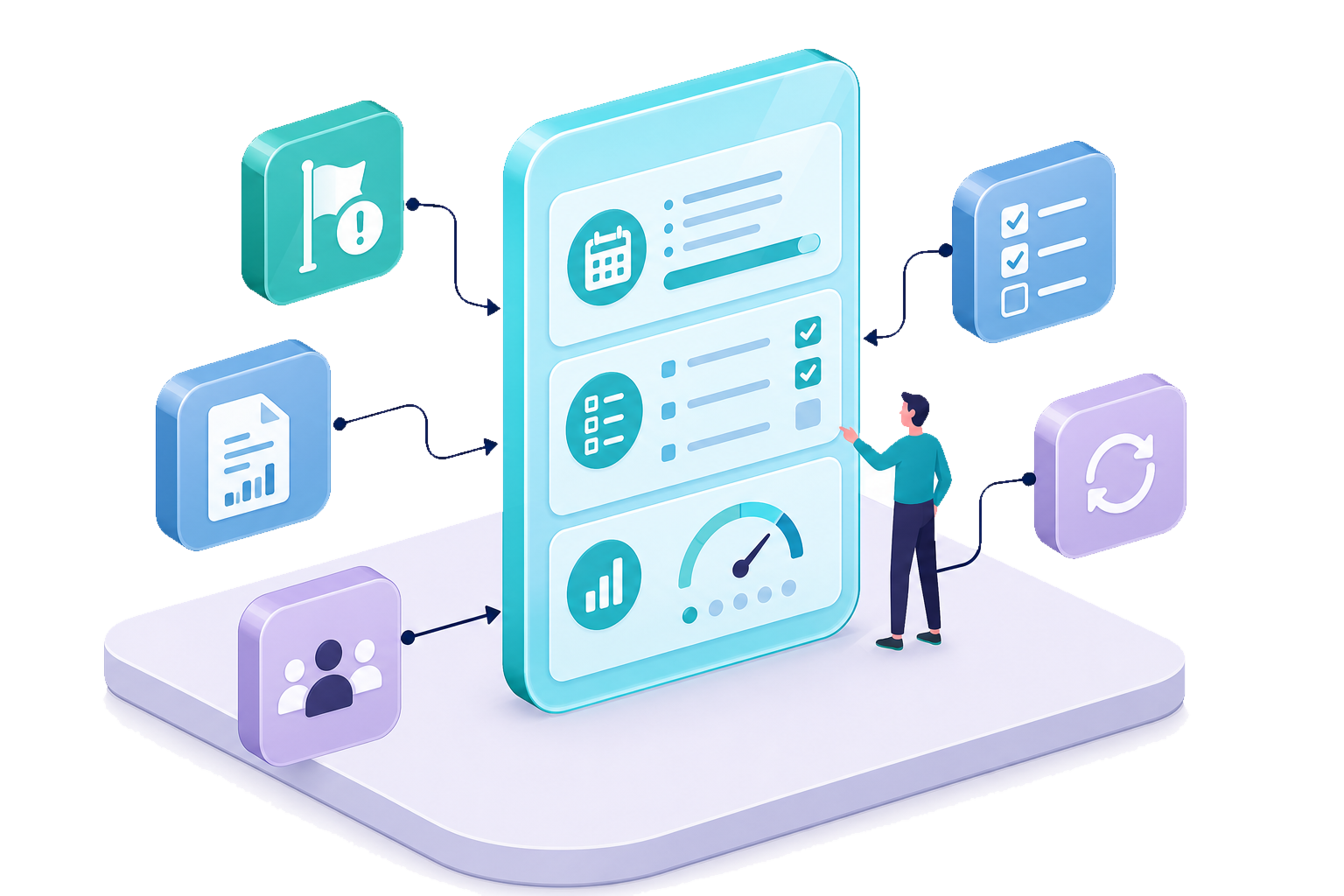
A digital audit form holds the audit plan, checklist, and review in one place — with findings, non-conformities, and reports built in. It’s the backbone of Zertic’s execution, not a bolt-on tool.
- One form for the whole audit — plan, checklist, and review in a single view, scored as you go.
- Non-conformities raised in place — flag a clause and it enters the NC workflow automatically, no re-entry.
- Documents in one click — audit plan, end-of-audit letter, and report generated straight from the form.
- Optimization – Optional predefined answer options eliminate typing and reduce errors.
- History on hand – Auditors can select previous executed audits. Per field a sync button will populate the evidence if nothing has changed.
- Role based access – multiple users can work in the same assessment at once, with role-based permissions.
Forms are configured per standard and version-controlled, clients can answer portal-flagged questions or upload evidence directly, and everything stays in one traceable file — built for audits across multiple standards, sites, and integrated scopes.
What changes when you automate audit execution?
Why choose Zertic
for audit execution?
Zertic Audit Execution is built for the operational reality of certification work — offline field conditions, multi-auditor teams, structured NC workflows, and accreditation-level traceability. It gives your team consistent execution and clear oversight of where every file stands, without adding administrative overhead.
Close the gap between ‘audit done’ and ‘file ready’
If your team wants cleaner execution, faster NC resolution, and files that enter review without rework, Zertic gives you the structure to make it happen.

Audit Execution: Common Questions